
Based on data, businesses can get 200% ROI on Google Ads. But small business owners often struggle to take that leap. They often wonder, “Does Google Ads really work for small businesses?”
Well, yes, it works. According to Wordstream, around 65% of industries have seen an increase in conversion rate from utilising Google Ads. With the right setup, you can get enhanced visibility, increased traffic, and results that you can measure. It works even if you are on a budget. But the hard part is setting it up strategically.
In this article, we explore how Google Ads can help small businesses and the best ways to get the most value out of it.
What Is Google Ads And How Does It Work
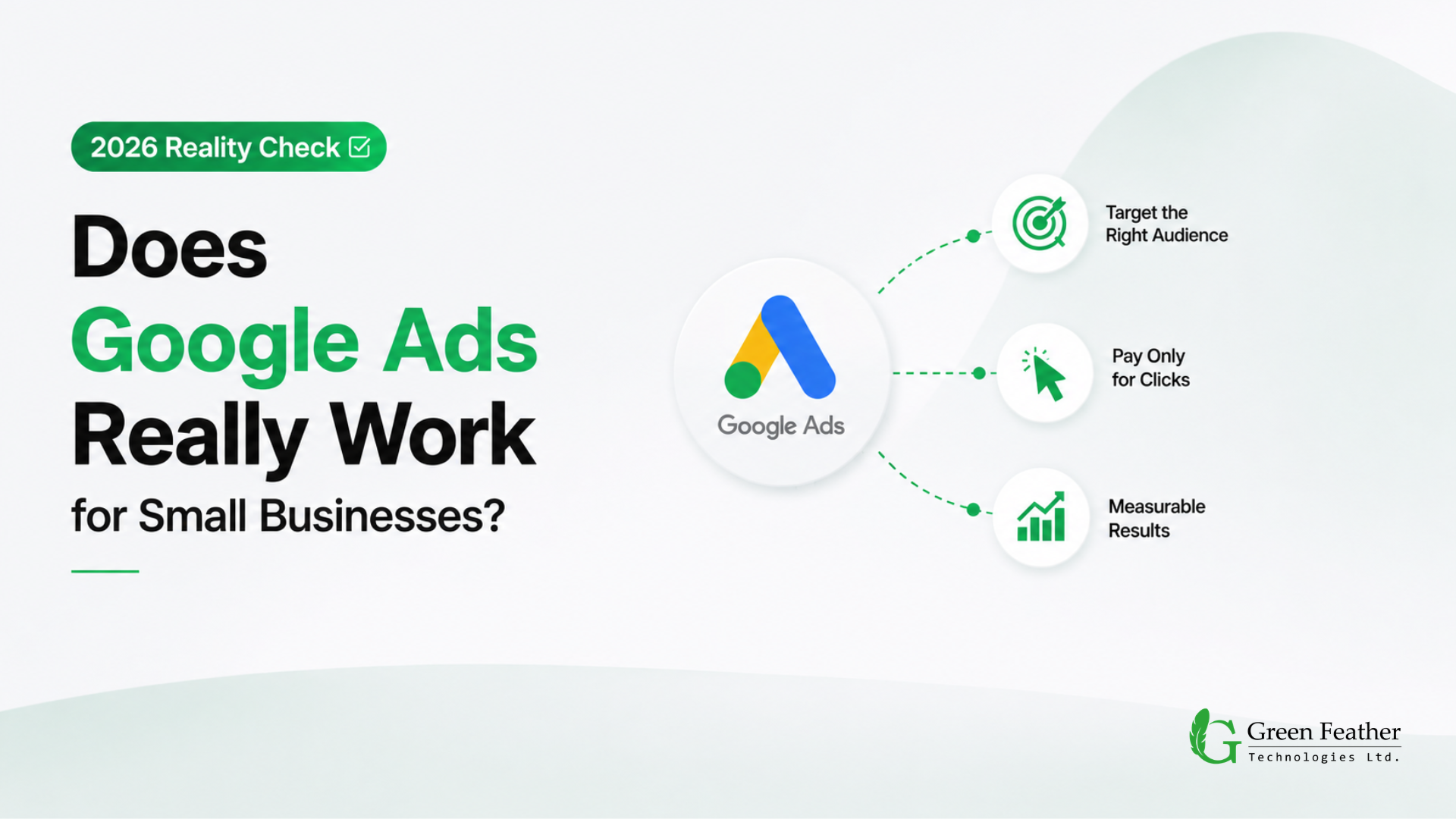
Google Ads is an online advertising method for showcasing your services, products, or content to users as brief advertisements. It uses a pay-per-click or PPC model, which means you only have to pay when someone actually clicks on your ad.
How does it work?
The way Google Ads works is that you select specific keywords for your ads. Whenever a user searches for those keyword terms, they come across your ad and learn about your offering or your business.
How Google shows the ads works on an auction basis that depends on ad ranking. According to Google, the quality score of an ad is measured on a scale of 1 to 10. There are three components to quality score: CTR, ad relevance, and landing page experience.
Ads that often perform well and appear at the top usually have a higher quality score based on these components. This is Google’s way of ensuring they continue to provide quality results to users, even if it’s paid.
Why do Google Ads Fail for Most Small Businesses?
Before we even talk about a successful Google Ads campaign, we need to discuss the reason most small businesses fail with Google Ads. Businesses often blame the platform, whereas the issue lies in their marketing system.
Here are some common reasons for Google Ads failure –
- Not tracking analytics or conversion
Google’s automated bidding performs better when it has enough conversion data to learn from. So, if you are not tracking your analytics or conversion data, and Google has nothing to learn from, the ads will not perform well.
- A poor website experience
Your website page speed and UX directly affect conversion. No matter how well you set up your ad, if your website is slow, has confusing navigation, or isn’t mobile-friendly, the customer’s buying journey gets ruined.
- Using the homepage instead of a landing page
Dedicated landing pages are always better for ad performance because they match the ad’s promise much more closely than a homepage does. Homepages are meant to serve everyone with a general intent, whereas landing pages target a specific buyer intent.
- Broad keyword targeting
When you target a broad range of keywords, you cater to a wider audience. But more audience doesn’t mean more sales. They will visit your page, not find what they were looking for, and then leave. So you get the clicks and the impressions, but not the conversions. The higher number of irrelevant clicks will increase your CPC and cost per lead.
- Poor offer positioning
Just posting an Ad doesn’t work out if it doesn’t clearly state your offering. When someone doesn’t clearly understand why they should pick you over the next results, the clicks will never convert to sales.
- Unstructured sales funnel
Every ad should lead to a sales funnel that ensures a proper customer journey and guides them into taking action. If your ad doesn’t lead to a clear next step after the click, visitors just see the ad and then leave your site without taking any action. That’s a wasted click and wasted ad spend.
What Should You Prepare Before Running Google Ads?
Running ads should never be the first step. It should be closer to the last step in getting your marketing foundation ready. Before you set a budget or write a single ad, it helps to have clarity on the following:
- Business goals
First, you have to determine what you are trying to achieve from the ad. Do you want more phone calls, form fills, bookings or online sales? Different goals will require different approaches and structures.
- Analytics setup
Before you start running ads, make sure Google Analytics is installed and reporting correctly. Otherwise, you will not be able to track your ad performance.
- Conversion tracking.
You have to track every meaningful action, whether it’s calls, form submissions, or purchases at the source.
- Customer journey
Map out what happens between the click and the sale, not just the click itself. This is where you plan and set up an effective funnel.
- Website UX
Your site should load fast, work on mobile, and make it obvious what you offer. Nothing on your site should confuse the visitor or make them struggle.
- Landing page readiness
Google prioritises the landing page, so before you jump into ads, make sure it’s properly prepared. It should match the ad’s promise, with no unnecessary distractions.
- CTA placement
Spend some time crafting a clear, visible call to action that tells visitors exactly what to do next. Often, you can design your ad around the CTA itself.
- Product/service positioning
At the end of the day, you have to sell your service or product. If you can’t position it well, the ad becomes a waste as there’s no reason for someone to choose you.
Our Google Ads Setup Framework
Rather than jumping straight into keywords and bids, we follow a structured process for every Google Ads setup we manage. This isn’t about Google Ads basics. It’s how a proper campaign should actually be built:
- Understand business objectives
The first thing we do is understand what the success metrics will look like. Is it more calls, more leads, more revenue, or more bookings? Defining that is the start of our planning phase. - Analytics and tracking setup
After understanding the objective, we confirm conversions are being recorded accurately before a single dollar is spent on clicks. - Website audit
Next on our list is ensuring the best customer experience once they click through to our website. So, we check load speed, mobile experience, and whether the site actually supports the campaign’s goal. - Customer journey review
Once we set up the basics, we run a test ourselves. We check what happens after the click and remove friction between interest and action. - Landing page optimisation
After ensuring a smooth customer journey, we come to the landing page. We build or refine a page that matches the ad copy and gives visitors one clear next step. - Campaign setup
Next, we set up the campaign. Here we focus on keyword research, ad groups, ad copy, and bidding strategy to create an effective campaign. - Ongoing testing and optimisation.
Lastly, we don’t treat Google Ads as something like “set and forget.” We continuously refine budgets, bids, and the ad’s creative based on real performance data.
How Does Google Ads Help Small Businesses?
Every small business in the growing stage can utilise Google Ads for the following benefits –
PPC Control
With pay-per-click, small businesses only pay for actual leads from interested prospects. This saves you from spending on ads that are just there to make you visible but not bring valuable results.
Quick Results
Google Ads show results much faster and more easily than the traditional organic SEO approach. It takes a lot of time, effort and money to rank in the top positions with SEO. With good bidding and a high-quality score, you can get one of the top spots right away.
More Visibility
Visibility is very crucial for any business these days, especially the small ones. With Google Ads, you solidify your chances of appearing in the top position on search results. It means you are more visible than your competitors, at least more than those trying for organic reach.
Accurate Targeting
With Google Ads, you can target a specific audience based on your location. This works great for smaller businesses, as you can start with your local area and save money by preventing wasted ad spend.
Measurable Results
One of the best things about Google Ads is the ability to measure the success of your ad campaigns. Based on ad performance, you can make the necessary tweaks to get better value from your ad spend.
Faster Market Validation
Instead of waiting weeks for organic traffic to kick in, Google Ads lets you test whether an offer is effective. You can simply position your offer through an ad, and your target audience will see it directly.
Local Lead Generation
Service businesses can get significant value from Google Ads for local lead generation. Using local targeting and call tracking, they can draw customers from a specific area.
Remarketing Opportunities
Google Ads helps you track people who visited your site but didn’t convert on their first visit. You can use that information to re-engage, which is often cheaper than acquiring a brand-new visitor.
Budget Flexibility
Compared to many other advertising channels, you can scale your Google Ads campaigns up or down daily based on performance. It’s great for small businesses because it gives them more control.
Testing Offers Before Scaling SEO
Google Ads is a fast way to find out which offers, headlines, and pages actually convert, so you invest your long-term SEO effort into what’s already proven to work.
Tips to Set Up Google Ads the Right Way
According to a study, small businesses can see sales increase by around 15% to 20% with effectively optimised Google Ads campaigns. Here’s how we recommend approaching Google Ads setup for small businesses:
Focus on High-Intent Keywords
Instead of going after every possible keyword in your industry, pick the right ones. For example, if you’re a local plumber, avoid bidding broadly on “plumbing.” Instead, bid on something like “emergency plumber near me.” That reaches an audience that’s ready to buy; they just need the solution.
Create a Negative Keyword List
Negative keywords tell Google when not to show your ad. If you sell high-end luxury watches, add words like “free,” “cheap,” or “repair” to your negative keyword list. This stops you from wasting money on audiences who aren’t your target.
Send Traffic to Dedicated Landing Pages
Never send your paid ad traffic directly to your website homepage. Your homepage has too many distractions. Instead, create a specific Google Ads landing page that matches your ad copy exactly.
If your ad promises “10% off web design,” the landing page should highlight that exact discount with a contact button front and centre. A dedicated landing page consistently performs better than a homepage simply because it removes every distraction other than the offer.
Set Up Solid Conversion Tracking
Before turning your ads live, make sure you’re tracking meaningful actions, such as form fills and phone calls. Today’s Google Ads platform relies heavily on AI to optimise your bids, and if you don’t give the system accurate data on what a real lead looks like, the algorithm struggles to find more of them.
This is one of the most common gaps we see: businesses launch campaigns first and think about tracking later, so the first few weeks of data and spend are essentially wasted.
How Much Should a Small Business Spend on Google Ads?
There’s no universal number here. A reasonable budget typically depends on a few things:
- Industry competitiveness
Some industries have a much higher cost per click than others, simply because more advertisers are bidding for the same keywords. Here’s a table that shows how much the cost per click differed across industries in 2026:
Industry
Average Cost Per Click
Attorneys & Legal Services
$9.87
Home & Home Improvement
$8.33
Dentists & Dental Services
$8.00
Health & Fitness
$6.17
Business Services
$5.87
Real Estate
$3.22
Travel
$2.14
Restaurants & Food
$2.05
Arts & Entertainment
$1.63
- Geographic location
The location you choose to run your ads in matters, too. Targeting a major city typically costs more per click than targeting a small town or region.
- Sales cycle
How short or long your sales cycle is has an impact on the budget. A business with a quick, low-cost purchase decision needs a different budget approach than one with a long, high-value sales cycle.
- Business goals
Your business goals also determine whether you should have a higher or lower budget. For example, testing a new offer requires a different budget than scaling a proven one.
- Existing website performance
While it goes unnoticed, the website performance can significantly impact your ad budget. A site that converts well can make a smaller budget go further than a bigger budget spent on a site that leaks visitors.
Because these variables vary widely from one business to another, the smarter approach is to start with a testing budget, monitor cost per conversion closely, and scale based on the data rather than a number pulled from a generic guide.
Google Ads vs SEO: Which Should Small Businesses Prioritise?
This is one of the most common questions we get, and the honest answer depends on your particular goals.
- Short-term vs long-term results
Google Ads can put you at the top of search results almost immediately. SEO takes longer, often months, to build organic visibility, but the traffic tends to be more sustainable once it’s established.
- Building organic visibility
SEO compounds over time. Content, backlinks, and site authority build a foundation that keeps generating traffic without ongoing ad spend.
- Using SEO to validate demand
Keyword research for SEO can also tell you what people are actually searching for, which helps shape your Google Ads strategy too.
- Using Google Ads to scale proven offers
Once you know an offer converts, often because you tested it through paid traffic, SEO becomes a more targeted, lower-risk long-term investment.
We consider both to be equally important and prefer layering them. The first layer gets quick attention with Google Ads, then layers in SEO to sustain it over time. The combination of the two works perfectly.
How to Know Google Ads Are Working or Not?
When it comes to measuring the success of Google Ads, we look at a few key metrics to see whether the campaign is actually producing results or just generating clicks.
- Cost Per Conversion
The cost per conversion gives us an idea of how much you spend to achieve your business goal. If this number is lower than the value of each customer, your campaign is likely profitable. - Quality Score
The quality score determines the quality of your Google Ad. A higher score always brings better results. What decides the quality is the expected click-through rate, ad relevance, and landing page experience.
- Return on Ad Spend (ROAS)
ROAS tells you how much revenue you earn for every dollar spent on ads. For example, a 4:1 ROAS means you make $4 for every $1 spent, which is generally a strong sign the campaign is working. - Conversion Rate
This measures the percentage of people who click your ad and then complete the desired action, such as filling out a form or making a purchase. A higher conversion rate means your ad, landing page, and offer are working well together. - Click-Through Rate (CTR)
CTR shows how often people click your ad after seeing it. A higher CTR usually means your ad copy and targeting align well with user intent, while a low CTR can suggest the ad is not reaching the right audience.
You can check out the following table showcasing the industry average for these metrics to compare your Ad performance and see where it stands in 2026:
|
Metric |
Average |
|
Click-Through Rate (CTR) |
6.64% |
|
Cost Per Click (CPC) |
$5.42 |
|
Conversion Rate (CVR) |
8.18% |
|
Cost Per Lead (CPL) |
$66.69 |
Signs Your Google Ads Campaign Needs Improvement
In many cases, your Google Ads will show signs of collapse. You will need to consider those carefully to improve the campaign for better results. None of these signs means Google Ads “doesn’t work.” They mean something in the setup needs another look. These include –
- High clicks but no leads
This often means traffic is coming in, but nobody is converting. That usually points to an issue with the landing page, offer, or targeting being off.
- High CPC
If your cost per click keeps climbing without better results, your Quality Score or keyword targeting probably needs work.
- Low Quality Score
This directly affects how much you pay for the same position, and it usually indicates a mismatch between the ad, keyword, and landing page.
- Poor ROAS
If you’re spending more than you’re making back, then you will likely need to fix something in the funnel, not just the ad.
- High bounce rate
One of the key reasons visitors leave your site right away is that you are not delivering on the promise you made in the ad on your landing page.
- Low conversion rate
Even with decent traffic volume, a low conversion rate points to friction somewhere between the click and the action you want visitors to take.
DIY Or Expert Help: How Should You Set Up Google Ads?
You can choose the DIY method or bring in professional help for your Google Ads. Neither one is off the table, but the trade-offs are worth understanding clearly.
Hidden Costs of DIY Campaigns
It might look like you’re saving money with the DIY approach, but more often than not, it ends up wasting ad spend instead. Without a strategic setup, DIY campaigns tend to burn budget on broad targeting, weak tracking, and underperforming landing pages, costs that don’t show up as a line item but show up in your results.
Learning Curve
Google Ads has genuine depth: keyword match types, bidding strategies, audience layers, Quality Score factors. Getting comfortable with all of it takes real time.
Opportunity Cost
Every hour spent learning the platform and adjusting campaigns is an hour not spent running the business itself. For many small business owners, that trade-off matters more than the dollar cost of PPC management.
When Should You Hire a Professional Google Ads Expert?
Not every business needs outside help right away, but there are clear points where bringing in a Professional Google Ads Expert makes a real difference.
DIY vs Freelancer vs Agency
DIY works if you have the time to learn the platform properly and a small enough budget that mistakes are cheap.
A freelancer can offer more experience at a lower cost than an agency, but availability and depth of support can vary.
An agency typically brings a full team, more structured processes, and testing experience across many different accounts and industries.
Signs Expert Support Is Needed
If you’ve been running ads for a while with no real improvement, don’t have time to monitor and adjust campaigns regularly, or are unsure whether your tracking and targeting are even set up correctly, it’s usually time to bring in help.
Common Mistakes Made Without Experience
Businesses new to the platform often set overly broad targeting, skip negative keywords, ignore conversion tracking, or judge success by clicks and impressions instead of actual leads or sales.
Benefits of Strategic Campaign Management
A Google Ads consultant or agency isn’t just managing bids. They’re applying patterns learned across many accounts, catching issues early, and connecting campaign performance to your actual business goals rather than vanity metrics.
Google Ads Success Starts Before You Spend Your First Dollar
Everything above points to the same idea: Google Ads only works when the business behind it is ready to convert the traffic it generates. Before you spend your first dollar, success comes down to:
- Clear positioning
Your business needs a clear offer, a clear audience, and a clear reason to choose you over alternatives. If visitors cannot quickly understand what you do and why it matters, paid traffic is less likely to convert.
- An optimised website
Your website should load quickly, work well on mobile, and make important information easy to find. Google also evaluates landing page experience, so usability and relevance affect both user behaviour and ad performance.
- A strong customer journey
The path from ad click to conversion should be simple and direct, with minimal distractions. If users have to search for the next step or face too many barriers, conversion rates usually drop.
- Accurate tracking
Conversion tracking should record meaningful actions such as calls, form submissions, or purchases. Without reliable tracking, it becomes difficult to know which ads, keywords, or pages are producing real results.
- Continuous optimization
Google Ads performance changes over time because competition, search behaviour, and costs shift. Regular testing and adjustment of keywords, bids, ads, and landing pages are needed to maintain efficient results.
Get these right, and Google Ads becomes a genuine growth channel. Skip them, and even the best-run campaign will struggle to prove its worth.
Final Thoughts
In conclusion, Google Ads is still one of the most powerful tools for small businesses. It’s the perfect option for brands to connect with customers who are already ready to buy.
But you can’t just wing it and hope for the best.
You have to develop a strategy and set it up properly for your specific business. Without the right direction, your ad spend just becomes a wasted investment.
Need help with Google Ads setup?
If you are not getting the desired results from your Google Ads or don’t know how to start, reach out to Green Feather Technologies for a consultation session today.
Frequently Asked Questions
Is Google Ads worth it for small businesses?
Yes, when it’s set up properly. Google Ads can deliver fast, measurable results, but the return depends heavily on your website, tracking, and offer, not just the ad campaign itself.
How much should a small business spend on Google Ads?
There’s no fixed number. Budget depends on your industry, location, sales cycle, and goals. Most businesses start with a smaller testing budget and scale based on the actual cost per conversion.
Can I run Google Ads myself?
Yes, especially for a small, low-risk test. But as budgets and competition grow, the learning curve and time commitment often make professional Google Ads management more cost-effective.
Should I invest in SEO or Google Ads first?
It depends on your timeline. Google Ads delivers faster results and can help validate which offers convert. SEO takes longer but builds sustainable, long-term visibility. Many businesses benefit from running both together.
How long does Google Ads take to produce results?
Traffic and clicks can start immediately, but meaningful, optimised results usually take a few weeks as the account gathers data and campaigns get refined based on performance.
Why am I getting clicks but no leads?
This usually points to a mismatch between the ad and the landing page, a weak offer, or missing conversion tracking, rather than a problem with Google Ads itself.
Do I need a landing page for Google Ads?
Yes. Sending traffic to your homepage instead of a dedicated landing page is one of the most common reasons campaigns underperform. A landing page built around the ad’s specific offer converts far better.
What should I prepare before launching Google Ads?
Clear business goals, working analytics and conversion tracking, a solid website experience, a dedicated landing page, and a clear next step, which is the CTA for visitors.