
Ticket volume climbs for a quarter or two, response times start slipping, and a leadership meeting arrives at the obvious conclusion: the support team needs more people.
A headcount request goes up, a few new hires get approved, and for a while the numbers look better.
Then growth continues, the same thing happens again, and support headcount keeps climbing roughly in step with ticket count. Nobody has actually asked what’s in those tickets.
Your support team may not have a headcount problem. It may have a workload problem, and those call for very different fixes.
Why ticket count alone is a weak signal
A rising number, on its own, says almost nothing about what’s causing it. A thousand tickets could mean a thousand different customers with a thousand different problems.
It could also mean two hundred customers each hitting the same confusing setup step five times, because nobody fixed the step itself. Those two situations produce an identical chart and call for completely different responses.
Adding people to the second situation doesn’t make the problem smaller. It gives the business more people to do the same unnecessary work, at a higher fixed cost, indefinitely.
What support tickets are actually telling you

Support interactions can reveal more than individual customer problems.
When the same issues keep appearing, they tend to point to gaps in a company’s processes, documentation, product experience, or internal workflows- the kind of pattern a support conversation is often first to surface, since it sits closer to the customer than almost any other function in the business.
IBM’s overview of the function makes a similar point: support teams gain insight into recurring problems and unmet needs through direct interaction with customers, insight that can inform decisions well beyond the support queue itself (IBM, “What is customer support?”).
In practice, that pattern shows up in a few familiar shapes.
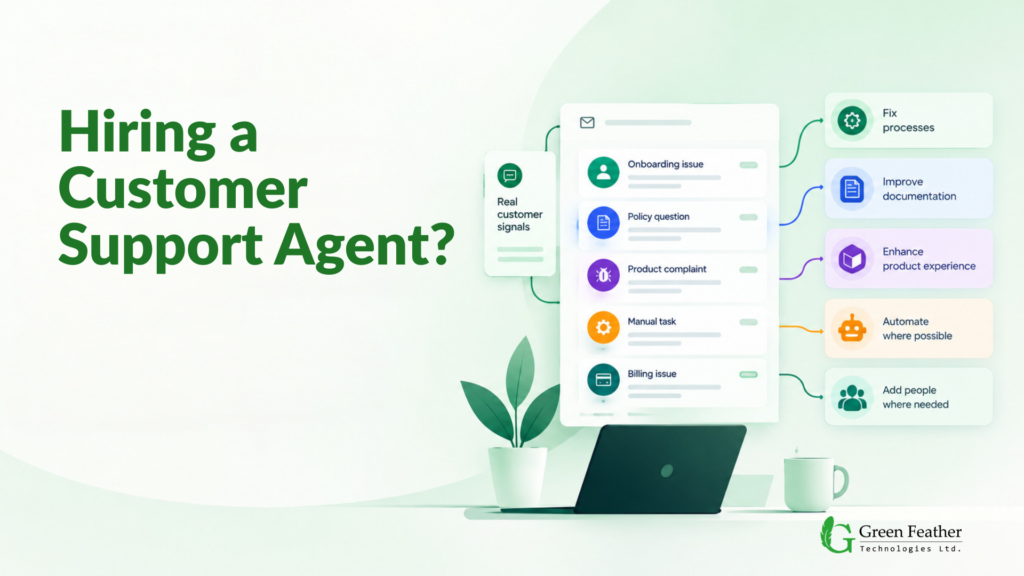
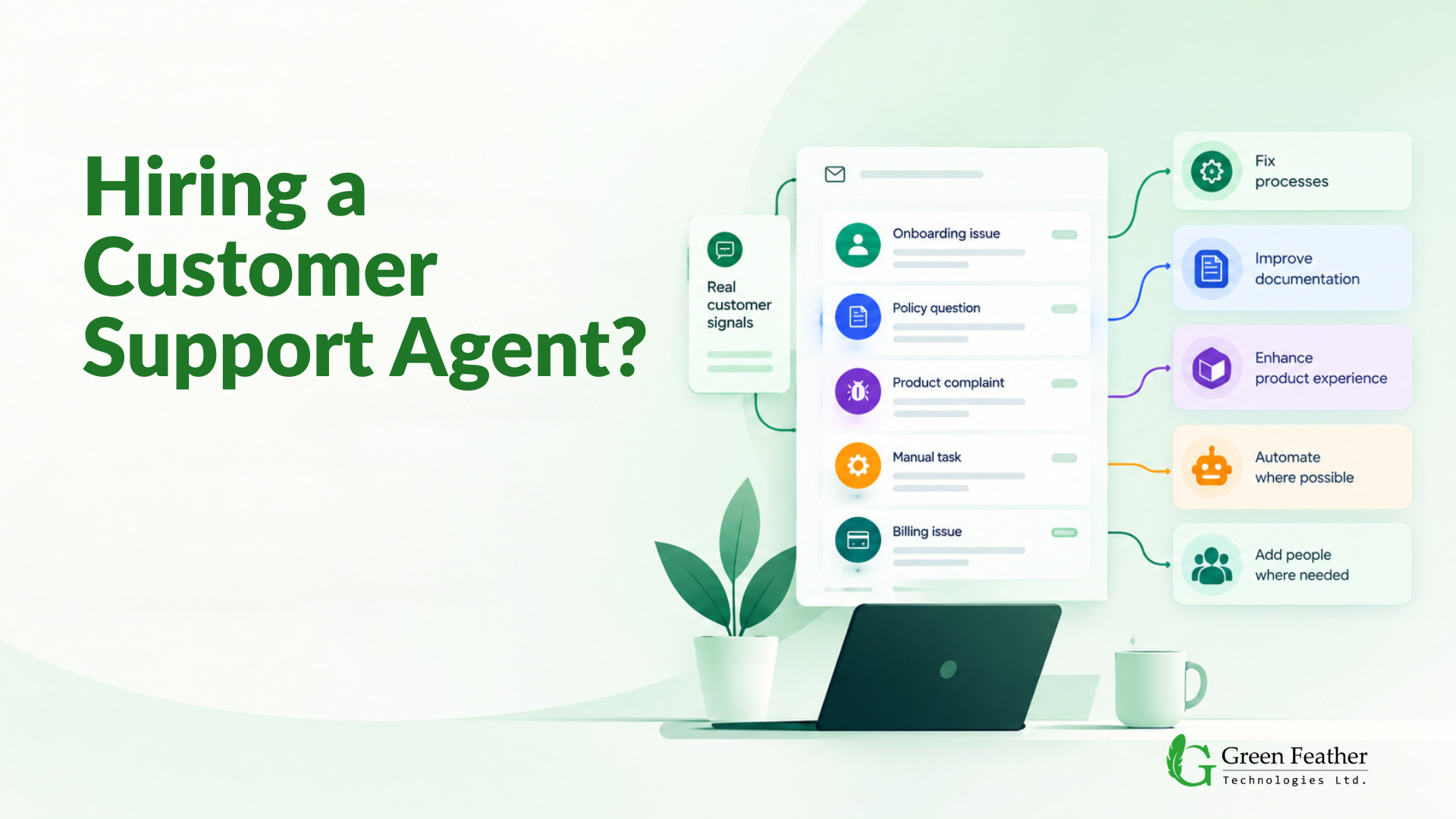
Customers repeatedly asking how to get through the same onboarding step usually means the onboarding process is the problem, not the customer.
The same policy question coming up again and again usually means that policy is hard to find or poorly explained wherever it’s written.
The same product complaint landing in the queue over and over is effectively product feedback nobody’s crediting as such.
Agents performing the same manual task on ticket after ticket is less a staffing gap than a candidate for automation.
Treated as noise to be cleared, that information gets thrown away the moment the ticket is closed.
Treated as a feedback loop instead, it’s operational information the business already owns, without needing to commission anything new to go looking for it.
Find the source before you find more people
The useful question isn’t “how many tickets did we get.” It’s “what’s actually generating this workload, and does it need a person, a process fix, or neither.” Those are different diagnoses, and they call for different prescriptions.
Green Feather Technologies follows the principle “Systems before headcount”. This allows us to know what needs fixing before we even suggest a single headcount.
Breaking the workload into categories
Not all support work is the same kind of work, even though it often lands in the same queue. A more useful way to look at a support operation is to sort what’s coming in by what’s actually driving it, not just by topic or team:
- Repetitive questions that have a single, stable answer
- Gaps in documentation or onboarding that keep generating confusion
- Process-related requests that exist because a workflow somewhere is clunky
- Billing or account issues tied to a system limitation
- Product usability problems that are really product feedback in disguise
- Technical issues that genuinely require troubleshooting
- Requests that could be handled through self-service, if it existed
- Predictable tasks suited to automation
- Complex or sensitive cases that need a person’s judgment
None of these categories should automatically be read as “needs more staff.” Most of them don’t.
Fix it, automate it, self-serve it, or staff it
This is the operating question worth applying once the workload has actually been broken down this way: for each category, what response does this specific work actually need?
|
Type of work |
Likely response |
|
Repetitive questions |
Self-service or a knowledge base |
|
Predictable, well-defined tasks |
Automation |
|
Process-related issues |
Workflow redesign |
|
Documentation gaps |
Better knowledge management |
|
Recurring product issues |
Feed insights back to product and operations |
|
Complex or sensitive cases |
Human support |
|
Necessary workload that exceeds current capacity |
Staff augmentation |
This isn’t a formula to apply mechanically. The right response depends on the business, the product, and the nature of the specific workload sitting in the queue. What the table is really arguing against is the habit of reaching for the same answer (more headcount) regardless of which row a given problem actually belongs in.
Where AI fits, and where it doesn’t
AI is one row in the table above, not a separate initiative sitting alongside it. Applied to the “predictable, well-defined tasks” row, it genuinely earns its place: repetitive questions, information retrieval, ticket classification and routing, and summarizing long interaction histories so a human doesn’t have to read every prior message before responding. The useful question is never “where can we add AI.” It’s “which part of this specific operation should AI handle,” which is a narrower and more disciplined question than it sounds.
That same discipline cuts the other way. Complex, ambiguous, high-stakes, or emotionally charged situations- the “complex or sensitive cases” row, are a different category entirely, and treating them the same way as a password reset tends to show up fast in customer frustration. A billing dispute that involves genuine judgment, an account issue tangled up with a customer’s specific history, or a complaint that needs real empathy are not good candidates for full automation, no matter how capable the underlying model is. The category of work decides where AI belongs, not the existence of the technology, and most of the categories in that table still need a person.
When more people really are the right answer
None of this argues against hiring. Plenty of support work genuinely requires a person: judgment calls, situations where empathy changes the outcome, and cases where getting it wrong has real consequences for the customer or the business. And sometimes demand has simply grown past what the current team can reasonably absorb, even after the fixable parts of the workload have actually been fixed.
In those cases, additional capacity, whether that’s new hires or augmented staffing brought in to handle a defined slice of the work, is a legitimate answer. The point isn’t that companies should stop hiring support agents. It’s that hiring should be the conclusion reached after understanding the workload, not the reflex reached for before.
The Takeaway
The sequence worth following is to understand what’s actually generating the workload, fix what’s fixable at the source, automate what’s predictable, let customers self-serve what they reasonably can, and staff what’s left over, the part that genuinely needs a person and genuinely exceeds what the current team can carry. Skipping straight to that last step is what turns a support team into a department that grows in lockstep with ticket volume forever, regardless of how much of that volume was ever necessary.
The goal was never a smaller support team. It’s one where every person is doing work that actually needs a person, instead of absorbing the cost of a process nobody got around to fixing. Before asking how many agents you need, ask why customers needed to contact support in the first place, because that answer usually tells you more than the ticket count ever will. Better systems first. The right people where they actually matter.